Reminds me of those old postcards they used to do!
I like your description of the image, thank you Bernie.
Hey Leanne. Great photo as usual.
I also use On 1 for my photo editing. I have the 2025 version and was wondering if you think it’s worth the upgrade to 2026?
Thank you Ian.
There is a lot of new stuff in 2026, and I am planning on doing some posts about some of those changes. There is a lot of masking new things. I think it is worth it and glad I got it. I hope that helps Ian.
I like these tintype images very much.
Thank you Joanne.
Simply lovely. 😊
Thank you.
I really like this and the final look with the preset. Photographs like this are why I continue to use DxO Filmpack.
Thank you Ted. Yeah, I have to say it is nice being able to do stuff like this. I don’t have DxO, I looked into at one stage, but ON1 has been great.
DxO Photolab, their editor, has been horrid since their last update. The other tools make for great add ons to a work flow.
That’s not good to hear. I have to admit when I was looking for some alternative software I heard people talking about it, but everyone said ON1 was better, so I went with it.
A few years back I tried ON1, but it wasn’t for long and I think I just didn’t have the time to learn something new. Seeing your results I may need to look again.
I really like that they have a 30 day trial for it, so that is good, and there are lots of videos on line to help you learn too. I really like it and have seen it get better and better over the years. I am even starting to think it could be a good replacement for me for Photoshop with the latest release. Still experimenting. If you want to try it, feel free to ask me anything about it and if I can help I will.
Thanks. I’m seriously considering anything that could help offset Lightroom. The AI hardware requirements are making even my new PC grind along. Between Ellen and I we have 4 computers, none really old, but they can’t keep up with the ongoing AI changes. Even if you don’t use AI the software includes it and it runs anyway. Thanks again.
That is part of the reason I’ve been having trouble with PS too, I am finding it is getting slow on my laptop. My laptop has 32GB RAM, you would think that would be enough, but no. We just bought a new computer with 128GB RAM and hopefully that will fix any problems I’ve been having. ON1 is working well for me and a friend who wants to replace Lr is trying it out now to see if it will be a good replacement and so far she is pretty impressed.
I found the new rule is pay more attention to the graphics card. I was a system designer for many years but lost all interest later on. AI is inserted into everything, RAM is suddenly less important than graphics card memory, and even manufacturer. Nvidia has 9o% + of the market, software is written directly for that chip 😵💫.
Oh yes, definitely, this computer has an integrated APU so even better I hope. I think they are all important, lol. DAve said it is an AI max395 that is what the APU is. Dave said you are right on. Oh he is my husband. lol.
I like Dave already 🤣
Haha, me too. 😂🤣😜
😂😂
Oh wow excellent photo, I love it
Thank you so much Alison.
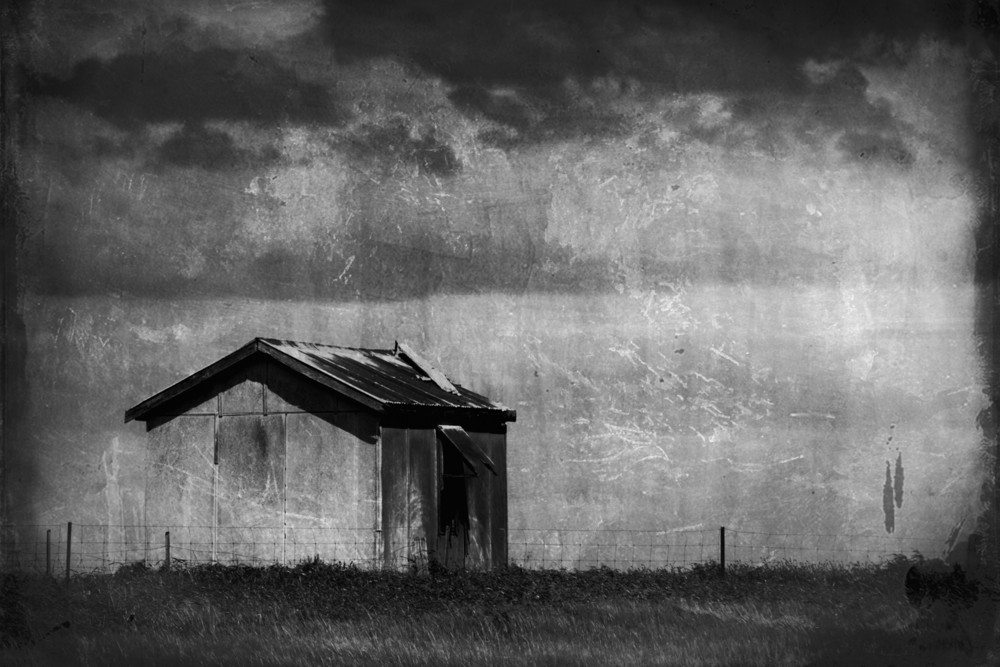
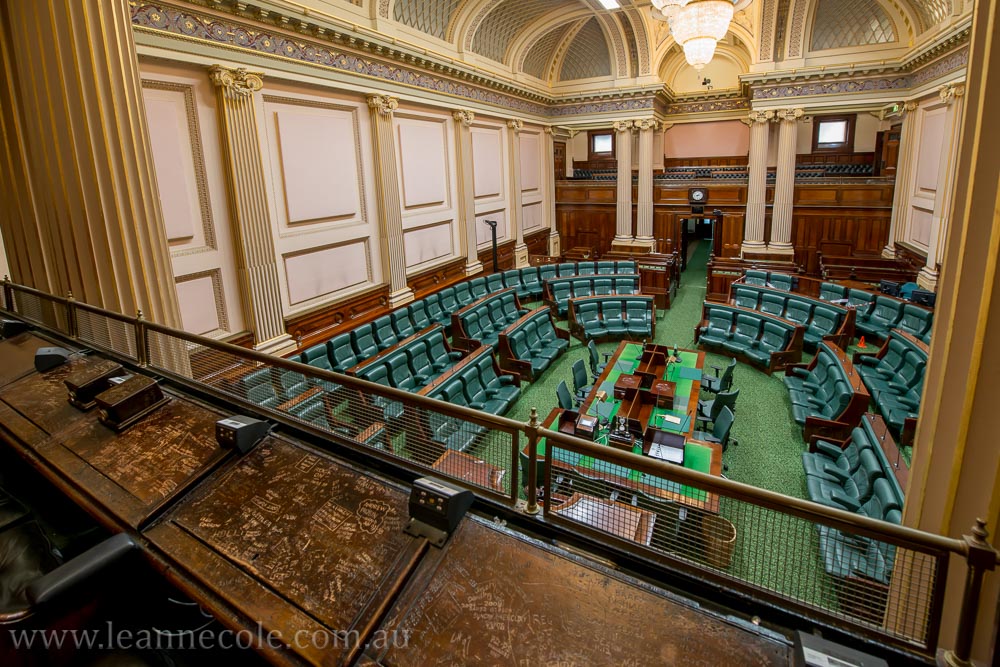
The tintype visual texture is really effective for this subject.
I think so too Laura, thank you.
That effect really captures the rustic feel of the place, Leanne. Love it.
Yeah, I thought it was perfect for it. Thank you Sandy.


Reminds me of those old postcards they used to do!
I like your description of the image, thank you Bernie.
Hey Leanne. Great photo as usual.
I also use On 1 for my photo editing. I have the 2025 version and was wondering if you think it’s worth the upgrade to 2026?
Thank you Ian.
There is a lot of new stuff in 2026, and I am planning on doing some posts about some of those changes. There is a lot of masking new things. I think it is worth it and glad I got it. I hope that helps Ian.
I like these tintype images very much.
Thank you Joanne.
Simply lovely. 😊
Thank you.
I really like this and the final look with the preset. Photographs like this are why I continue to use DxO Filmpack.
Thank you Ted. Yeah, I have to say it is nice being able to do stuff like this. I don’t have DxO, I looked into at one stage, but ON1 has been great.
DxO Photolab, their editor, has been horrid since their last update. The other tools make for great add ons to a work flow.
That’s not good to hear. I have to admit when I was looking for some alternative software I heard people talking about it, but everyone said ON1 was better, so I went with it.
A few years back I tried ON1, but it wasn’t for long and I think I just didn’t have the time to learn something new. Seeing your results I may need to look again.
I really like that they have a 30 day trial for it, so that is good, and there are lots of videos on line to help you learn too. I really like it and have seen it get better and better over the years. I am even starting to think it could be a good replacement for me for Photoshop with the latest release. Still experimenting. If you want to try it, feel free to ask me anything about it and if I can help I will.
Thanks. I’m seriously considering anything that could help offset Lightroom. The AI hardware requirements are making even my new PC grind along. Between Ellen and I we have 4 computers, none really old, but they can’t keep up with the ongoing AI changes. Even if you don’t use AI the software includes it and it runs anyway. Thanks again.
That is part of the reason I’ve been having trouble with PS too, I am finding it is getting slow on my laptop. My laptop has 32GB RAM, you would think that would be enough, but no. We just bought a new computer with 128GB RAM and hopefully that will fix any problems I’ve been having. ON1 is working well for me and a friend who wants to replace Lr is trying it out now to see if it will be a good replacement and so far she is pretty impressed.
I found the new rule is pay more attention to the graphics card. I was a system designer for many years but lost all interest later on. AI is inserted into everything, RAM is suddenly less important than graphics card memory, and even manufacturer. Nvidia has 9o% + of the market, software is written directly for that chip 😵💫.
Oh yes, definitely, this computer has an integrated APU so even better I hope. I think they are all important, lol. DAve said it is an AI max395 that is what the APU is. Dave said you are right on. Oh he is my husband. lol.
I like Dave already 🤣
Haha, me too. 😂🤣😜
😂😂
Oh wow excellent photo, I love it
Thank you so much Alison.
The tintype visual texture is really effective for this subject.
I think so too Laura, thank you.
That effect really captures the rustic feel of the place, Leanne. Love it.
Yeah, I thought it was perfect for it. Thank you Sandy.
My pleasure.
😊
Effective!
Thanks Margaret.
Beautiful!
Thanks Anne.
The texture on this photo is incredible.
Glad you like them, thank you Joseph.