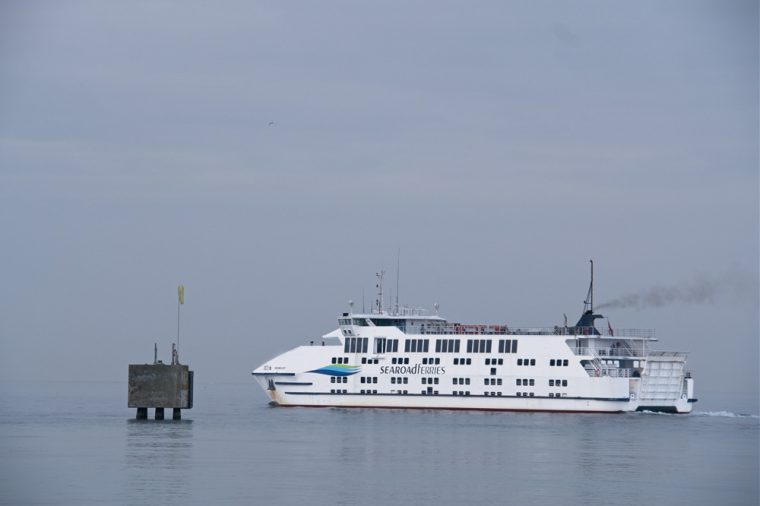
As we did last week this week I have another thing for you to do to the image or for something for you to try. I’m trying to make these simple and don’t want to overcomplicate what I’m doing. I haven’t done posts like this for a while, so I hope you can understand what I’m talking about.
I forgot to add before we get started, for those of you who are interested in what the One Four Challenge is, you can find out by going to this link for more information. Also please take a look at Joanne’s post as well.
As we normally do, here is the original image. I suggest if you missed last week’s post that you go and take a look so you know what we have done so far.
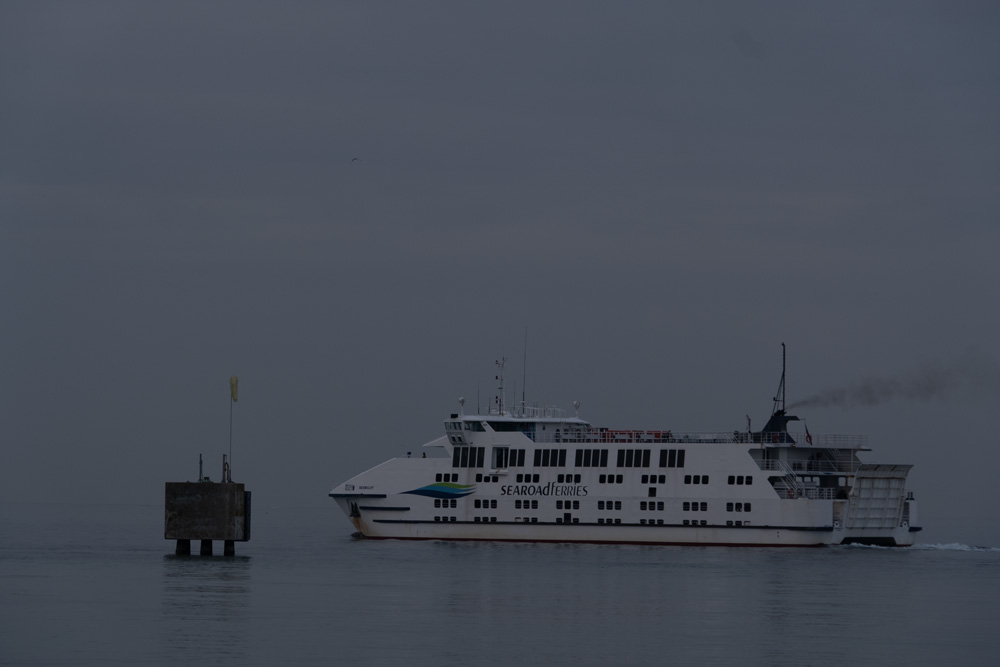
Don’t forget we are using ON1 Photo Raw 2025 for this month to do this image.
After looking at the image last week I decided that the ferry was still too dull and needed to be brightened, but I didn’t want to do it to the whole image. I decided to use a local adjustment, which you can see is number 1. Then you click on Add Adjustment, which is under Local. You should see the adjustment panel like where it says number 3. When you click on it at first you get the adjustment brush number 2, which is what I used for this. Where you can see number 4, I have moved the slider up a bit, too much really. It is a good way to start by going way further than what you want, as you can readjust it once you have worked out how much of the image you want to change.
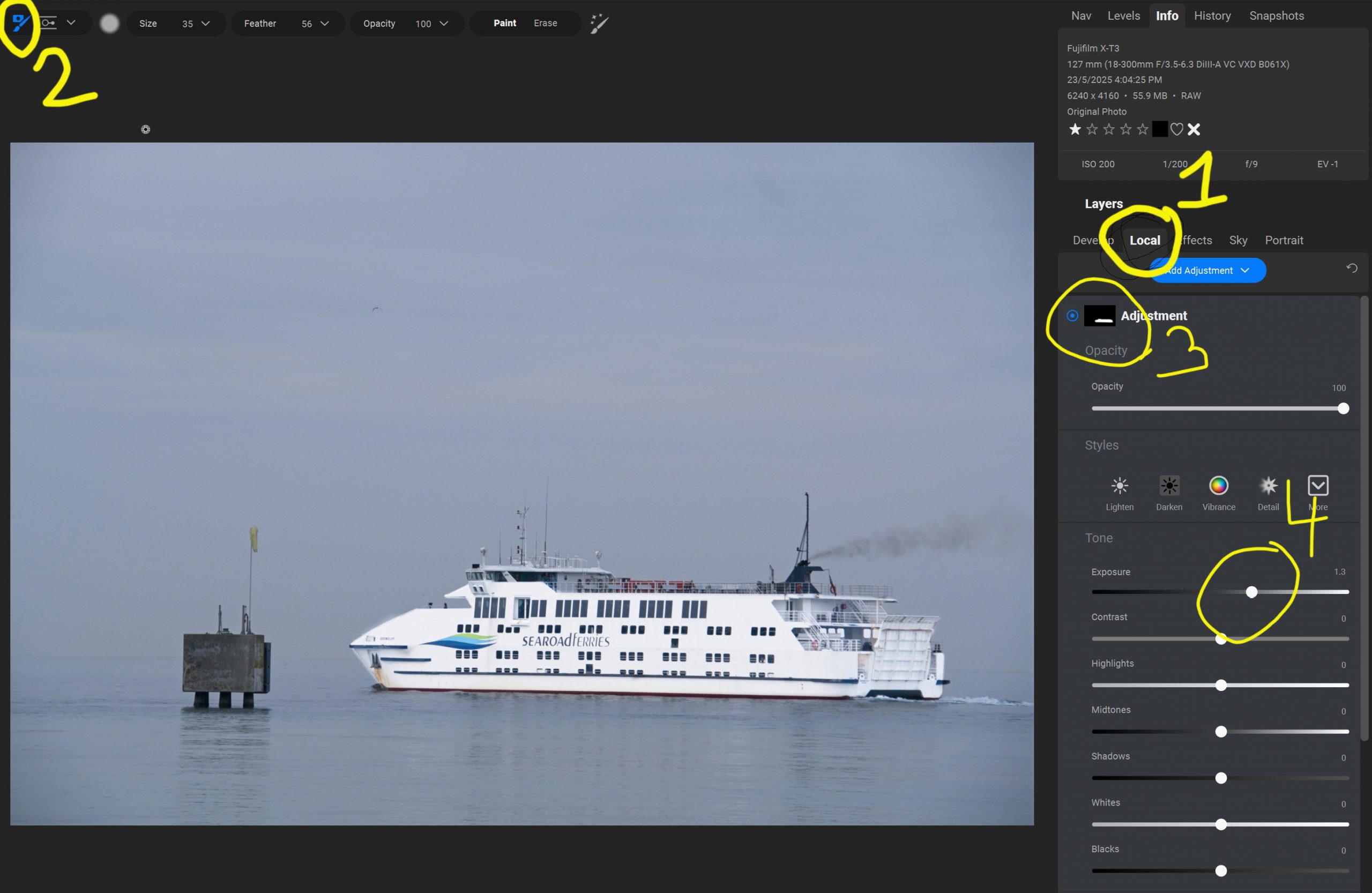
You paint over the area you want to be lighter. If you go out of the lines or too far, you can go to the top, and you will see paint or erase, if you click on erase, then paint over where you went by mistake it will undo it. You can use the square [ ] bracket keys to make your brush bigger or smaller.
Once you have what you want to change, then you can go back to the slider you moved and tone it down a bit. Which is what I have done below.
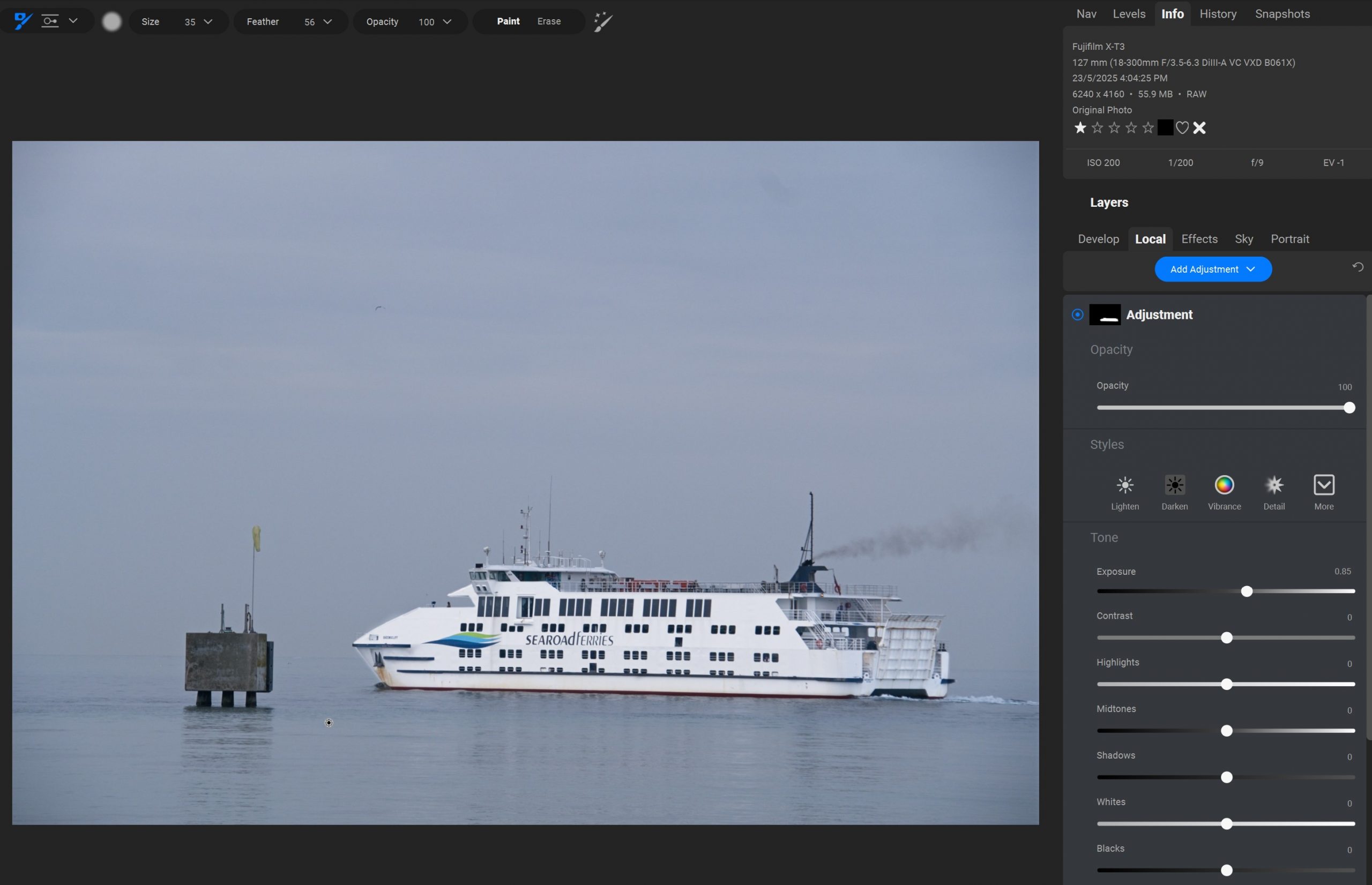
Let’s take a look at the final image for this week.
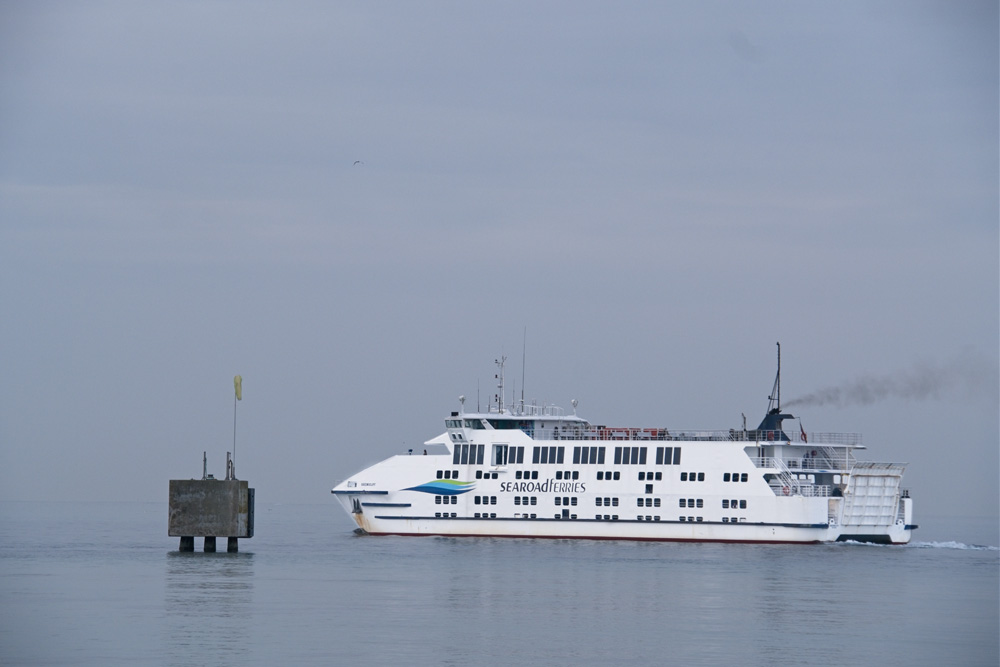
The ferry stands out a lot more now, and we might have to think about what to do for next week. I have some ideas.
As I always do, let’s finish with a gallery of the images so far.


On another note
Yesterday I go the following notification.


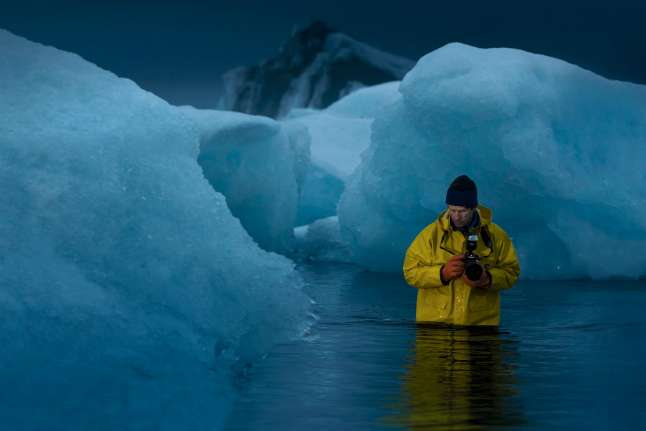
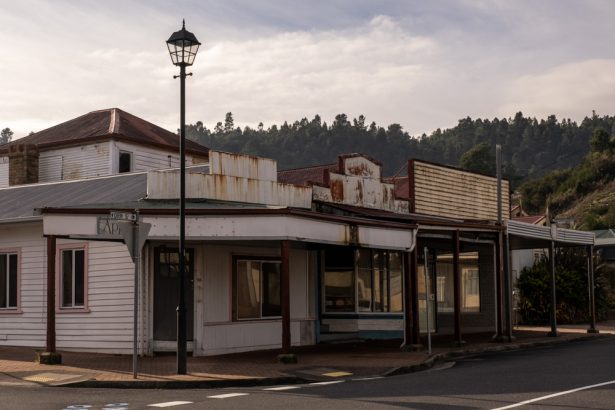
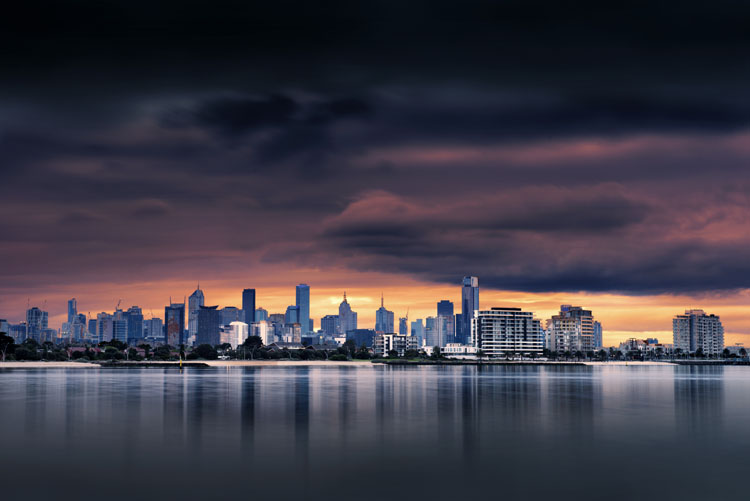
Happy Anniversary, dear Leanne, Thank you for all your beautiful sharings and doing great photography, Much Love, nia
Thank you so much Nia, glad you have been along with me.
I like this one a lot! Happy Anniversary to you, Leanne!
Thank you Lois.
love the final and congrats on 15 years!
Thank you Beth.
You made me go look it up here’s one of my early logs from 2000 🙂 https://www.chilembwe.com/log/log_old.html#NOV00
That is a long time. Very different to look at too.
Looking better Leanne! I wonder what you’ll do next? This is so interesting.
Thank you Anne.
Wow, 15 years. Thanks for all the viewing enjoyment.
It has been a while. Thank you for looking Mike.
Great lesson and a big congrats!
Thank you so much.