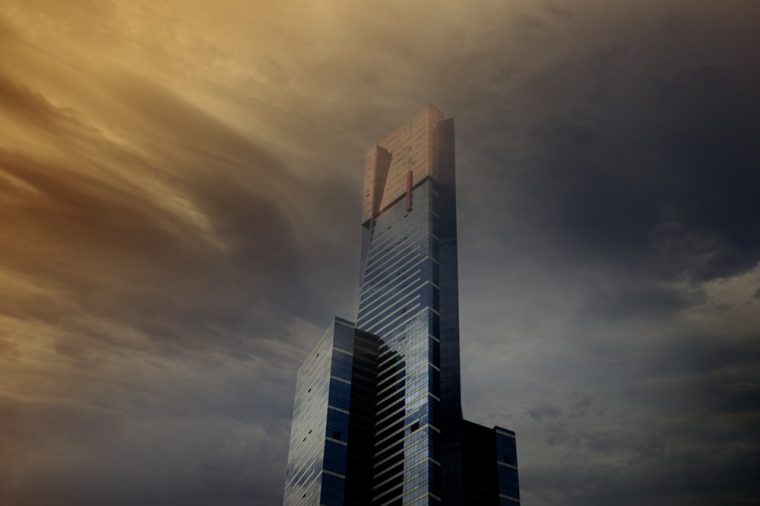
I did this image earlier last year with the idea of it looking like the building is being enveloped with clouds, for whatever reason. I liked the effect and would like to explore it more.
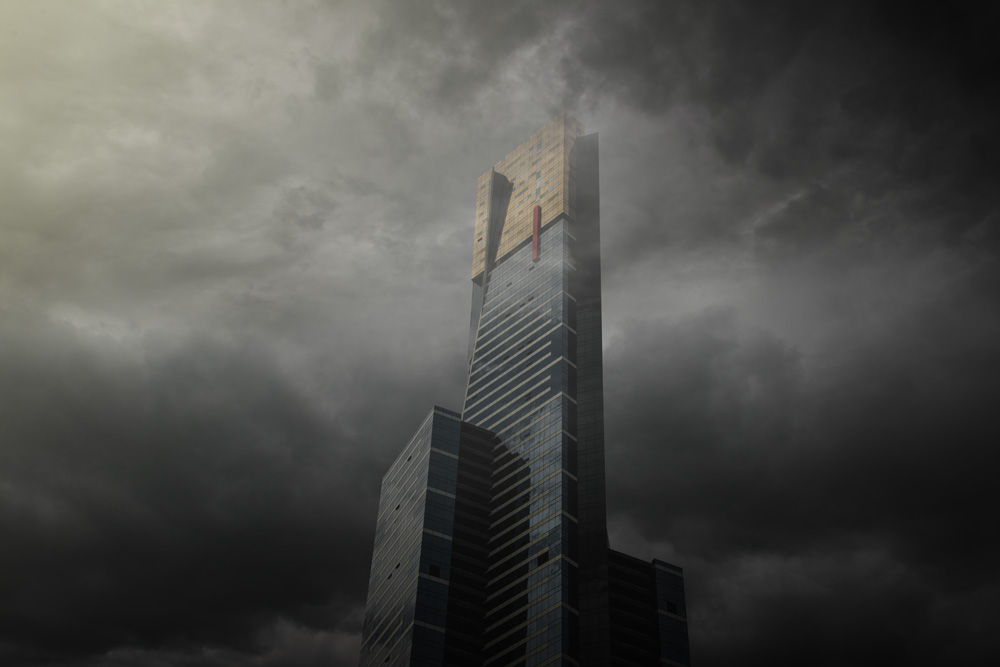
This first image was done with Photoshop. It seemed like the easiest way to do this.
Next was the same image, but done with Affinity Photo 2.
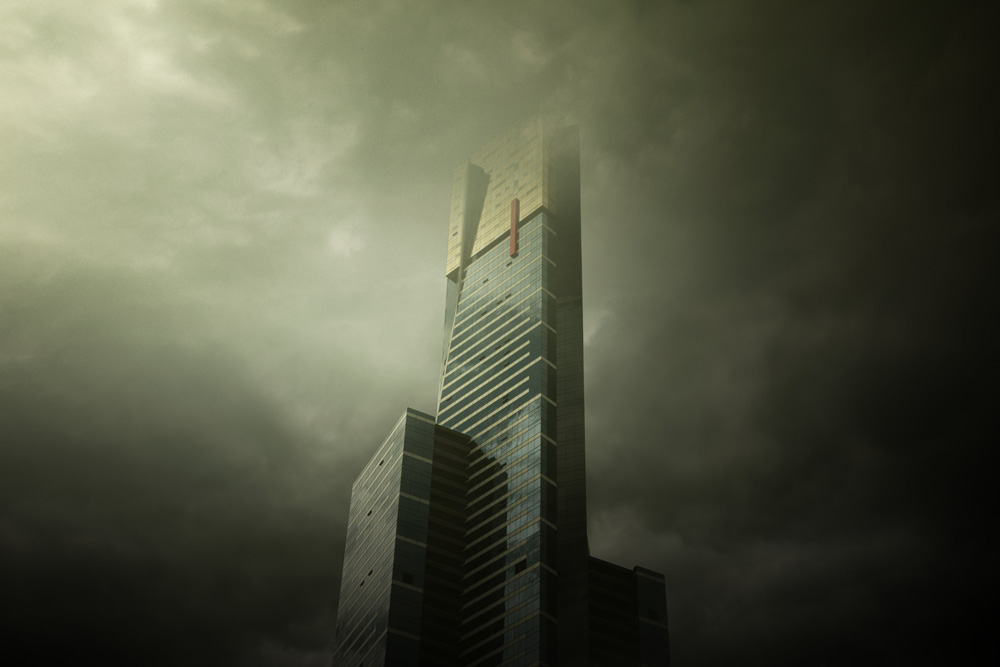
Last year I spent a lot of time learning how to use ON1 a lot more. As Adobe is constantly putting up the price to use it, I’m afraid that I am not going to be able to afford it soon. I have until May before I find out how much it will go up, and if I will continue using it.
I told you how I have been looking for an alternative, or alternatives. One of those was Affinity, and the other was ON1.
When I first tried this with ON1 Photo RAW 2025, I struggled with some aspects of it. For some of the cutting in the program was a bit clunky, and I found it frustrating. Then, ON1 released Photo RAW 2026, and what a difference.
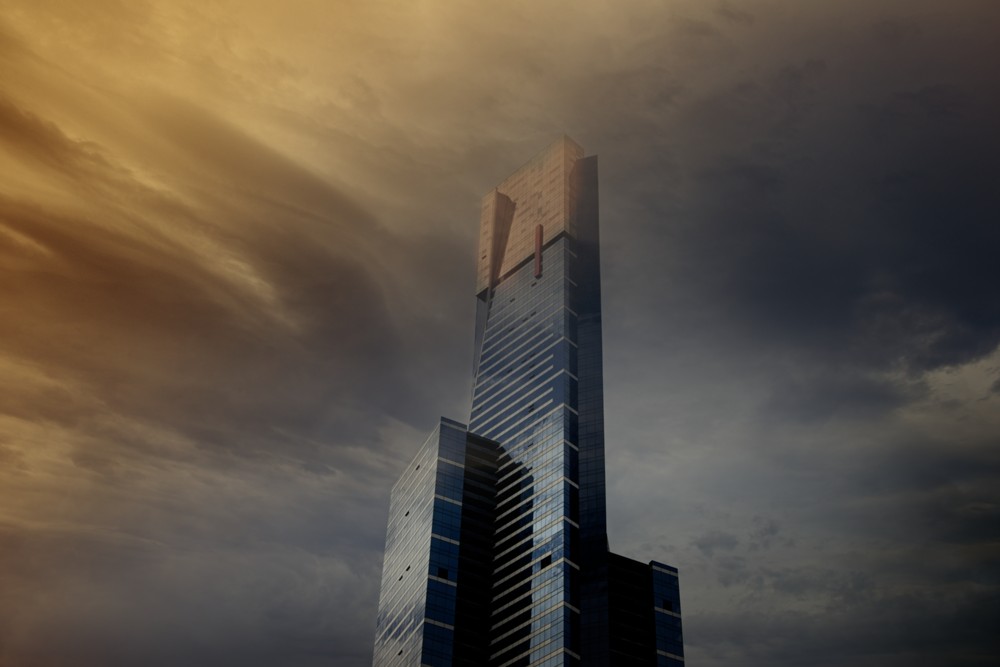
I did process this image with the new version of ON1, and it was amazing. I think with every version, it gets faster, and they expand what you can do in it. This image is not perfect, and I still have some things to work out, but I was really happy with it.
It would be a mistake to think it is all about presets and doing those on your images. Yes, I love playing with the presets, but I also like just doing my own thing. You can add layers, you can work on the individual ones. I have to say that with all my experimenting lately, I’m not sure I will miss Photoshop. Everything I’ve tried recently it has been able to do everything that I can do in Photoshop. I think the only thing it doesn’t have that I wish it did was a lasso tool. It could be there, but I haven’t found it if it is.
Affinity also had an upgrade, and it is now free. Which is great, but it seems to be limited, and if you want access to their AI anything, you have to join something, can’t remember what, and pay a subscription fee. If you are like me, you are sick of these subscription things. They all become like a credit card, before you know it, you are maxed out by all these subscriptions. I do like that with ON1, you own it outright, and I know a lot of others will like that too.


I like both your Photoshop and ON1 versions, the Affinity one a little less so. I know what you mean about subscriptions and I refuse to pay them – I prefer to pay just once as then I know where I stand. I use Photoshop Elements which is a one-off payment and does have a lasso tool so you might want to look at that. I use in it conjunction with Nik 7 Pro Efex (mainly Color Efex and Silver Efex) which is also a one-off. It works as a plug-in to Elements and has lots of presets which you can then adjust or create your own.
Thank you Sarah. I didn’t even know you could still buy Elements, though I just looked it up and seems they are putting conditions on it now. I’m happy with what I have, and I think Photoshop will be the same price, for the time being, so I am okay with that. I used to have the Nik Collection, years ago, when it was free, but I don’t know where it went, lol. I don’t want to pay for that now. I’m happy with what I have.
So, the previous version of ON1 was frustrating. Wow. I’m starting with it and I must say the user interface is… exactly what I have read. I will sat it is responsive, has everything you might need, but good grief 😵💫 lol.
The interface is fine once you get used to it, I guess it can’t be exactly like Lr or PS or they would get sued. I always think of new programs like different brands of cameras, things will be different, but you get used to them after awhile. But hey thank goodness for google, helped me out a lot. lol.
I have a long list of UTube videos to watch. The first few were clear as mud 🤣🤣
Thank goodness for YouTube, I have learned so much there. 😂🤣😂
Nice review. I feel the same way about PhotoShop. I used it for 10+ years. I been using the same products and it’s a learning curve I love your photos on your website.
Thank you Ziggy, sometimes it is nice to branch out and see what is out there.